CityPalA walking companion with stories to tell.
An audio-first city guide designed to answer questions and tell stories while you walk.
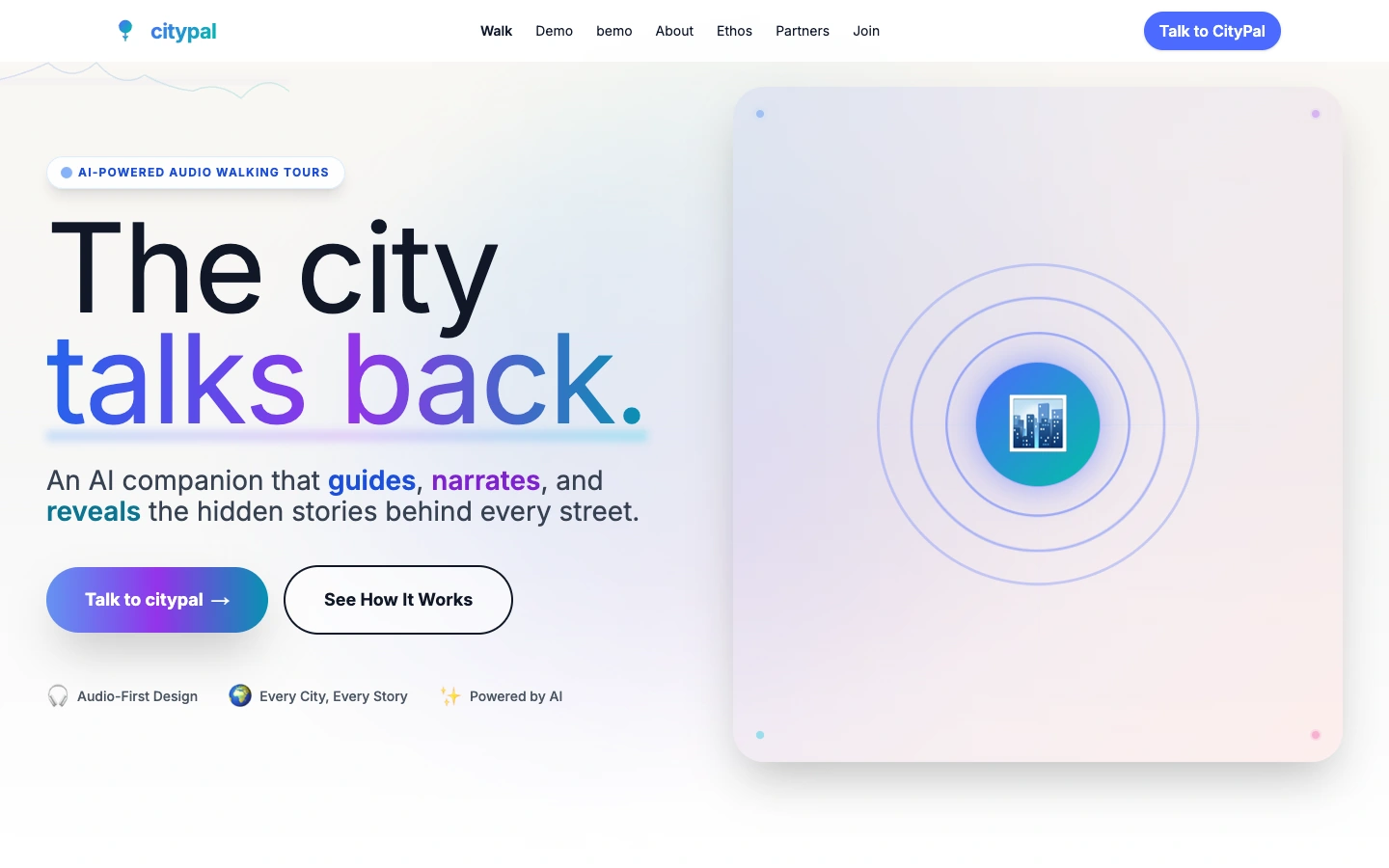
Screenshot of CityPal’s public website. Its conversation demo uses scripted examples.
What CityPal does.
CityPal comes from my interest in how people experience places. A building, street, or square is more interesting when you know something about the people and events that shaped it.
The idea is a walking companion you can listen and talk to, with your phone in your pocket. Architecture, local history, and culture give the conversation something to follow.
The public site includes a scripted conversation demo. A separate walk implementation has location context, narration controls, story planning, and real-time audio integration; its live outdoor behavior still needs testing.
The problem
Looking up a place can interrupt the experience of being there. CityPal explores how audio can explain a neighborhood while leaving someone free to look around.
Try a sample walk
Choose architecture, history, or local culture, then move through three imagined stops. This text-only model uses prepared prompts and does not access your location or microphone.
Read the demonstration walkthrough
- Use audio for guidance and keep visual controls available when needed.
- Build context from location, nearby places, neighborhood information, and the walker’s interests.
- Prepare story threads separately from live narration, tracking what has been delivered and what was interrupted.
- Offer narrator and pacing choices, including quieter guidance.
- Use scripted demos to explain the idea while the separate live walk implementation is developed and tested.
How it works.
Use audio for guidance and keep visual controls available when needed.
Build context from location, nearby places, neighborhood information, and the walker’s interests.
Prepare story threads separately from live narration, tracking what has been delivered and what was interrupted.
Offer narrator and pacing choices, including quieter guidance.
Use scripted demos to explain the idea while the separate live walk implementation is developed and tested.
Website and demos
Next.js, React, TypeScript, and Framer Motion power the public site. Its conversation demo uses scripted replies and browser speech synthesis, with selectable guide styles.
Location context
The walk session combines geolocation, nearby points of interest, neighborhood and historical material, weather, and story context. Structured story records retain their places and references.
Story planning
A planner prepares story threads. The runtime tracks open threads, introduced characters, delivered stories, and interruptions so narration can return to an earlier idea.
Audio and pacing
Narrator, pacing, microphone, and speaker controls connect to a WebRTC real-time session. External services and outdoor use were not tested for this portfolio.
Why it’s built this way.
Keep attention on the place
The point is to help someone notice and understand their surroundings. Audio should leave room for the walk itself.
Let the walker set the pace
The walk code supports different narration cadences and interruptions. The public route animation shows a preselected scenic path; adaptive route planning is not demonstrated.
Remember unfinished stories
Interrupted threads stay in the narrative inventory. The companion can return to a story after a question instead of starting an unrelated one.
Label the prototype accurately
The public demo’s replies are scripted. Its group toggle shows a sample code; it does not provide working group synchronization.
What to keep in mind.
- 01A walking guide needs pauses as well as stories.
- 02Questions can interrupt narration; the companion needs to remember where it left off.
- 03Understanding a place takes local context and different people’s accounts.
- 04Outdoor testing is needed to find out whether audio guidance actually improves a walk.
Website and prototypes are available. The separate spatial and audio walk implementation still needs live outdoor testing.
Technical details come from the project’s source code and documentation. The demo uses sample data.