PabloAICreate artwork and turn it into a print.
Guided AI image creation, artwork previews, and checkout for physical prints.
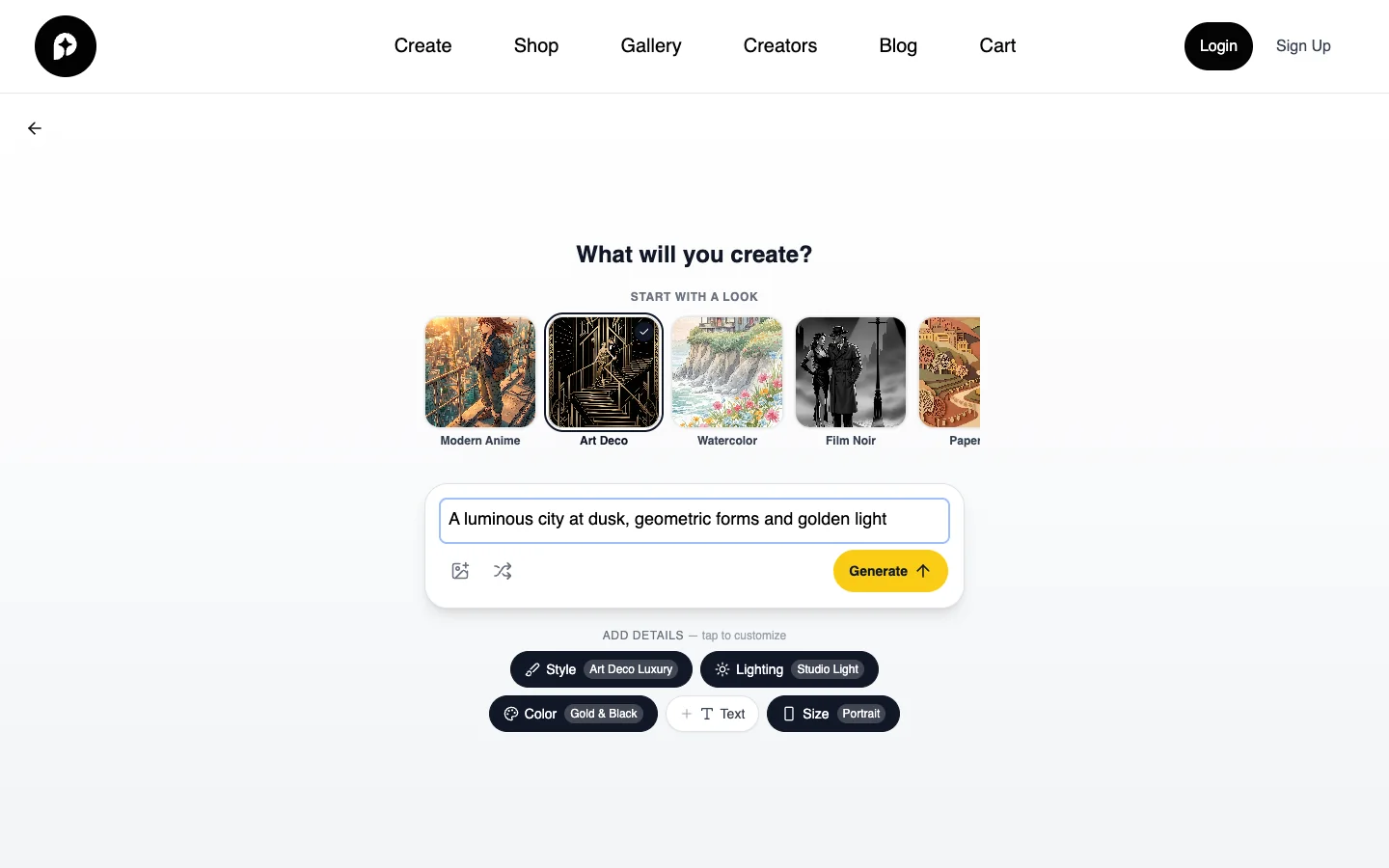
Screenshot of PabloAI’s public creation page. The draft prompt was not submitted.
What PabloAI does.
PabloAI helps someone choose a style, create or transform an image, preview it on a product, and order a print.
The React interface guides creative choices through configurable steps. The backend handles image generation and storage, product configuration, checkout, and fulfillment.
Preview and print need to agree about image size and placement. That becomes especially important when moving beyond a flat poster to products such as mugs and garments.
The problem
Generating an image is one step. Customers also need to choose a style, understand the finished product, and receive a printable file that matches the preview.
Preview an artwork in a room
Choose a sample artwork and frame, then switch between room and detail views. The demo uses prepared images and does not generate artwork or place orders.
Read the demonstration walkthrough
- Offer medium and style choices to help customers describe the artwork they want.
- Store generated images so they can be reused in previews and product selection.
- Share image preparation and placement settings between supported previews and print composition.
- Connect cart quotes and Stripe Checkout to product-specific fulfillment through Prodigi.
How it works.
Offer medium and style choices to help customers describe the artwork they want.
Store generated images so they can be reused in previews and product selection.
Share image preparation and placement settings between supported previews and print composition.
Connect cart quotes and Stripe Checkout to product-specific fulfillment through Prodigi.
Creation steps
A React frontend renders configurable creation steps, styles, image results, and product choices.
Image pipeline
Node services connect generation providers, image assets, Sharp-based preparation, and object storage. Preview services include product-specific image warping.
Physical composition
Shared print specifications describe canvas dimensions and art placement for supported merchandise; guarded border trimming is reused by previews and print preparation.
Commerce and fulfillment
Cart quotation, Checkout sessions, order handling, and Prodigi integration connect a selected image and product SKU to a physical order.
Why it’s built this way.
Give people a starting point
Art prints and travel posters are recognizable choices. They help customers narrow down what they want before writing a prompt.
Share placement settings
Preview and print use common size and position settings. Product-specific warping makes a preview look physical; the composed print asset supplies fulfillment geometry.
Check what happens when preparation fails
The print preparation code returns the source URL on errors. That keeps the order process available, but the fallback needs a quality check when composition changes the product’s geometry.
What to keep in mind.
- 01People need help choosing a style and product as well as writing a prompt.
- 02Preview and print should use the same placement settings.
- 03Generation, checkout, and fulfillment need separate statuses and recovery steps.
Generation and commerce code are implemented. The portfolio demo uses prepared artwork.
Technical details come from the project’s source code and documentation. The demo uses sample data.